Film Technique Log
A running log of filming techniques I notice while watching. First entry is step printing, the smeared stutter Soderbergh runs across the pickpocket scene in Ocean's Eleven, and what it takes on the camera and in Premiere.
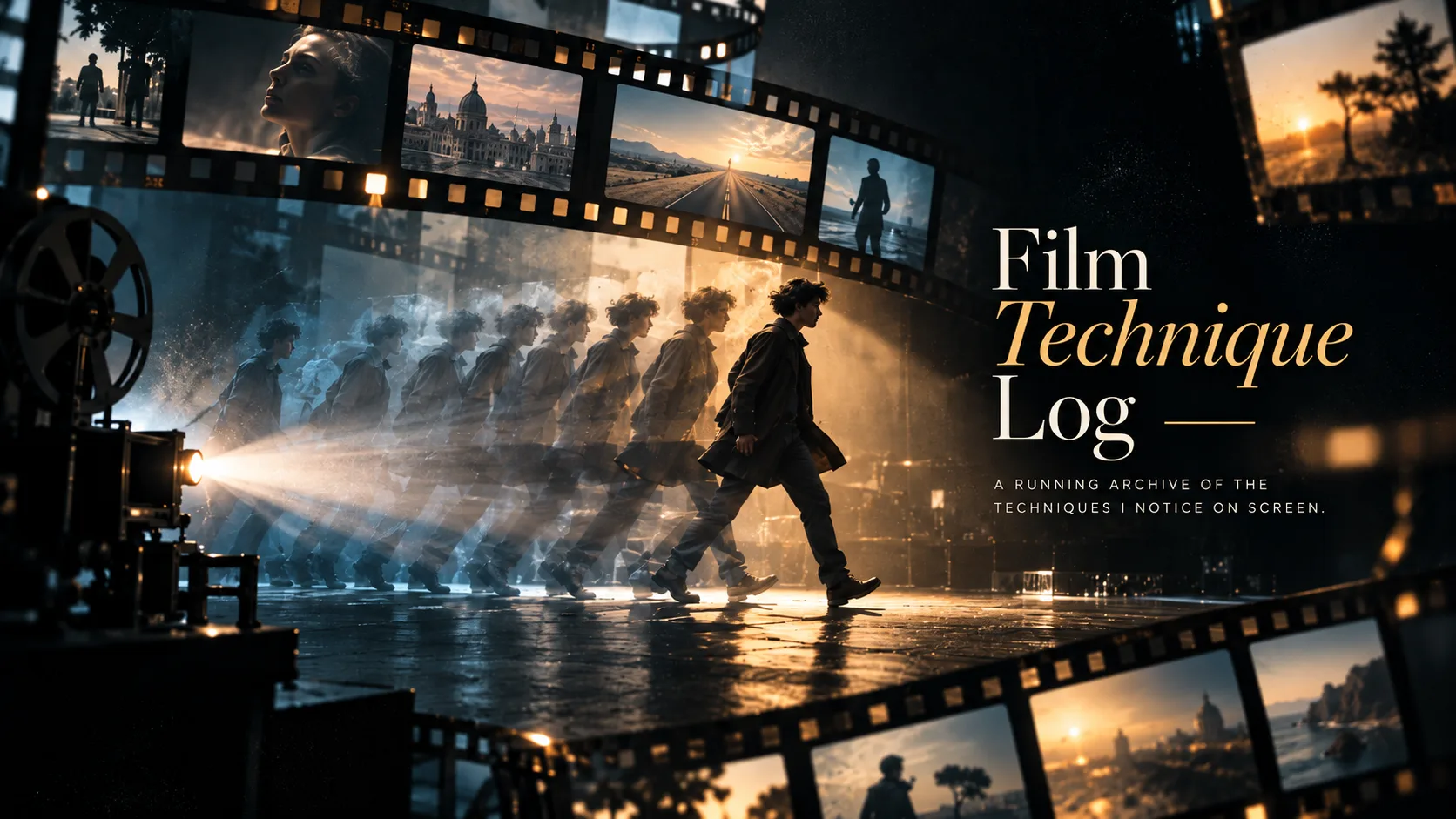
Since learning how to film, shot types, camera settings, frame rates, I watch films differently. Sequences I would have gone straight past a year ago now stop me. Something in a shot looks off, and I can tell the difference between a mistake and a decision.
So this is the log. One entry per technique, added as I find them.
Not a manual. I am not shooting most of this yet, and when I come to use one I can learn it properly then. What this is for is building a library of things that appeal to me, recorded at the point I notice them, so they are there when I am ready.
Format
Four fields per entry, plus the clip.
- Source, film and scene
- Clip, the scene itself
- Look, what it does on screen
- Use, what it is for
- Settings, what to change from my defaults
Numbered in order noticed.
001. Step printing
Source
Ocean’s Eleven, 2001, directed by Steven Soderbergh.
Linus Caldwell riding the Chicago “L” on the Orange Line, working the carriage, stealing a wallet from a passenger while Danny watches him from further down the carriage. A scene about hands, proximity and not being seen. Then Danny puts the same wallet on a bar afterwards to open the recruitment.
The movement in that carriage looked wrong in a way I could tell was deliberate. Blurred and smooth, stuttering at the same time.
Clip
Linus on the Chicago "L". Step printing across the pickpocket beat, blur retained, motion advancing in steps.
Look
Motion blur is still there, so the movement looks soft and smooth. The movement itself advances in visible steps rather than flowing. Smeared and choppy at the same time. Looks like a glitch, but it repeats evenly enough that you can tell it was done on purpose.
Use
Three cases.
- Slowing something down without making it soft. Ordinary slow motion takes the weight out and makes movement dreamlike. Step printing keeps effort looking like effort
- Picking one person out of a crowd. The stutter reads as someone’s attention snagging on a face while everyone around them carries on at normal pace
- Putting the audience inside a character’s head. Adrenaline, confusion, a memory, without anyone having to say a word
The audience notices this one. Most editing goes unseen, and step printing does not. Once in a short film is usually the limit, not because of the number but because there is rarely a second moment big enough to carry it. Repeating it across unrelated moments turns it from a choice into a filter left switched on.
Settings
Camera. One change from my defaults.
| Setting | Value |
|---|---|
| Frame rate | 25fps, unchanged |
| Shutter | 1/25 instead of 1/50 |
| Aperture, Sigma 56mm | f/2.8 |
| Aperture, 18-135mm kit | f/5.6 to f/8 |
1/25 is the slowest shutter available at 25fps. Double the usual blur, and the smear is what the effect is built on.
Aperture is about holding something sharp in each frame for the smear to work against. Fully soft frames weaken it.
Premiere. Two routes.
| Want | Do |
|---|---|
| Stutter at normal speed | Posterize Time effect, frame rate 12 |
| Stutter plus slow motion | Speed/Duration, Speed 50%, Time Interpolation Frame Sampling |
Frame Blending smooths the steps back out. Optical Flow invents new frames and removes the effect entirely.
One entry so far.
More as I find them.